Show the app on a phone, and let the AI look at it
Prerequisites
- Quickstart done,
mp doctorreportsokfour times - Your app is running locally and you know its port
flowchart TD
  A[app listening locally] --> B{what is exposed}
  B -->|build output| C[mp start --port N]
  B -->|dev server| D[mp start --port N --dev]
  C --> E[send the link to the phone]
  D --> E
  E --> F{who looks}
  F -->|you| G[open in the phone browser]
  F -->|the AI| H[mp capture]
  G --> I[mp stop]
  H --> I
Opening a preview
Start: a terminal in any directory, with your app listening on a local port.
- Run
mp start --port <your port>. - Add
--devwhen what you expose is a dev server (Vite, Webpack dev server) rather than a build. - Add
--ttl <minutes>for a longer or shorter lifetime; the range is 1 to 1440. - Send the printed link to your phone and open it.
- Expected: the command prints
preview: https://….trycloudflare.com/?__mp_token=…andexpires in 30 min, and the phone shows the same page as the desktop (evidence E009).
- Expected: the command prints
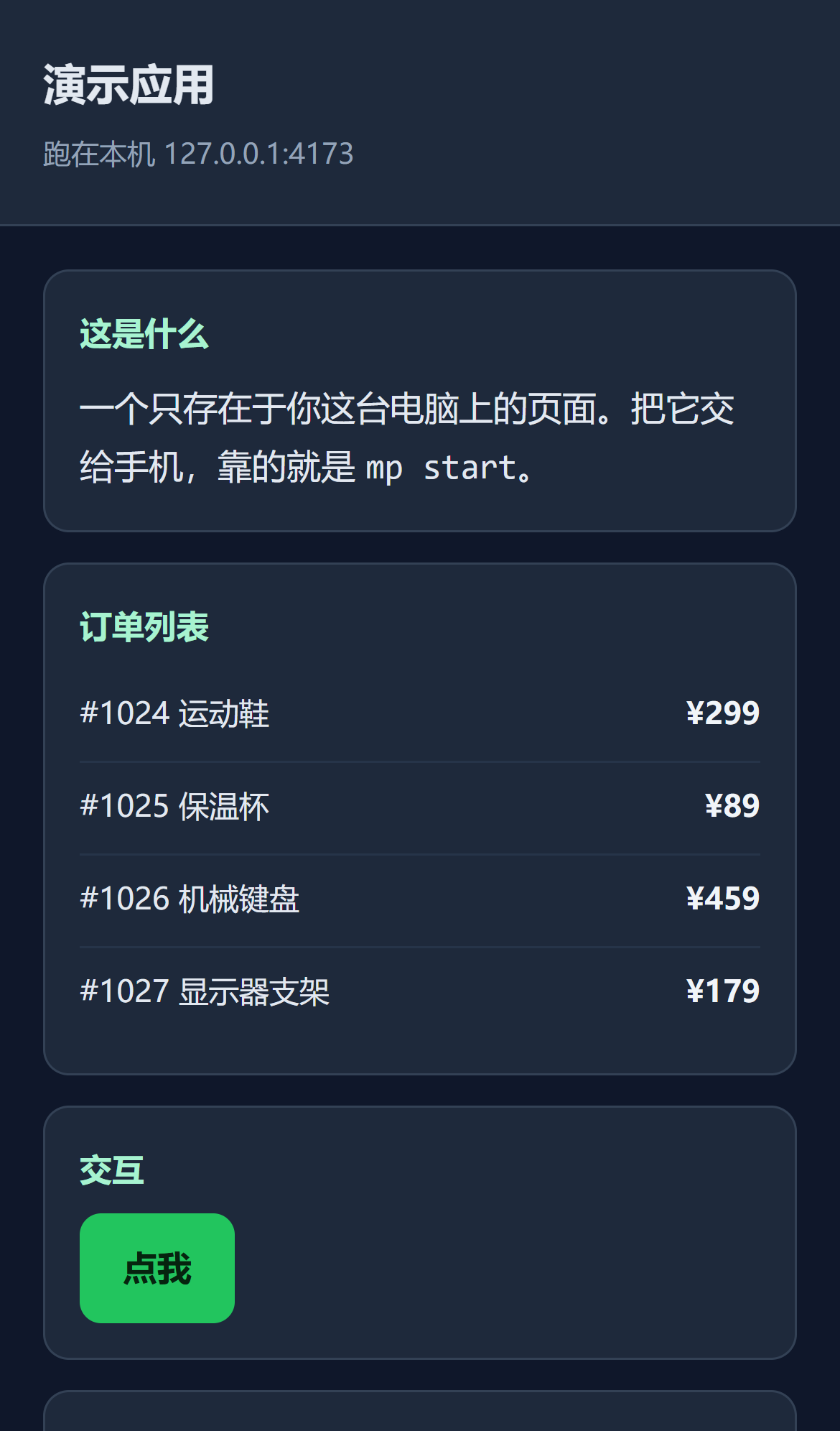
This is what it looks like on the phone:
Letting the AI look at the page
Start: one preview is running and mp status lists it.
- Run
mp capture. With a single preview running you need no port. - Add
--network-idlefor API-driven single-page apps, so the shot waits for the network to settle. - Add
--full-pagefor the whole scrollable page rather than the first screen. - Add
--videoto record instead of shoot; it needs ffmpeg on PATH.- Expected: one line of
, followed byPage loaded clean: no console errors, no failed requests.or a list of what the page reported (evidence E009).
- Expected: one line of
The output is Markdown image syntax, so pasting it to an AI is enough for it to see the shot. Console errors and failed requests come back in the same report, which is the whole point of handing diagnosis to the AI.
Running several previews at once
One port takes one slot, so a front end and an admin panel can each have their own. With a
single preview running, mp capture and mp stop default to it; past one, they refuse to
guess:
$ mp capture
several previews are active (ports 4173, 4180). Pass --port to pick one.
Pass --port explicitly at that point (evidence E009).
Two known limits with dev servers
The tunnel does not forward WebSocket upgrades, so Vite hot reload does not work through a preview. Edit your code, then refresh the phone by hand.
For the same reason a page relying on SSE looks broken through a preview: events pile up until the connection closes.
Verify
Run mp status: a working preview shows its slot, link and remaining time; after mp stop
the slot is gone from the list and the phone no longer loads the page.
If it fails
When the link never appears or the attempt fails, read the failure class the command prints,
then %LOCALAPPDATA%\mobile-preview\previews\<port>.cloudflared.log.
A 530 on the phone means the tunnel dropped after coming up; run mp start again, as mp does
not reconnect on its own. A 404 means the link lost its token or expired; take the current one
from mp status.
More symptoms in Troubleshooting.